Climate devices sit on systems that can freeze a house, flood a floor, or, if miswired, damage equipment. That is a different risk from a lamp. This guide is a decision framework from published product categories and from this site's older articles. It is not a wiring manual, not an energy audit, and not a test of any thermostat.
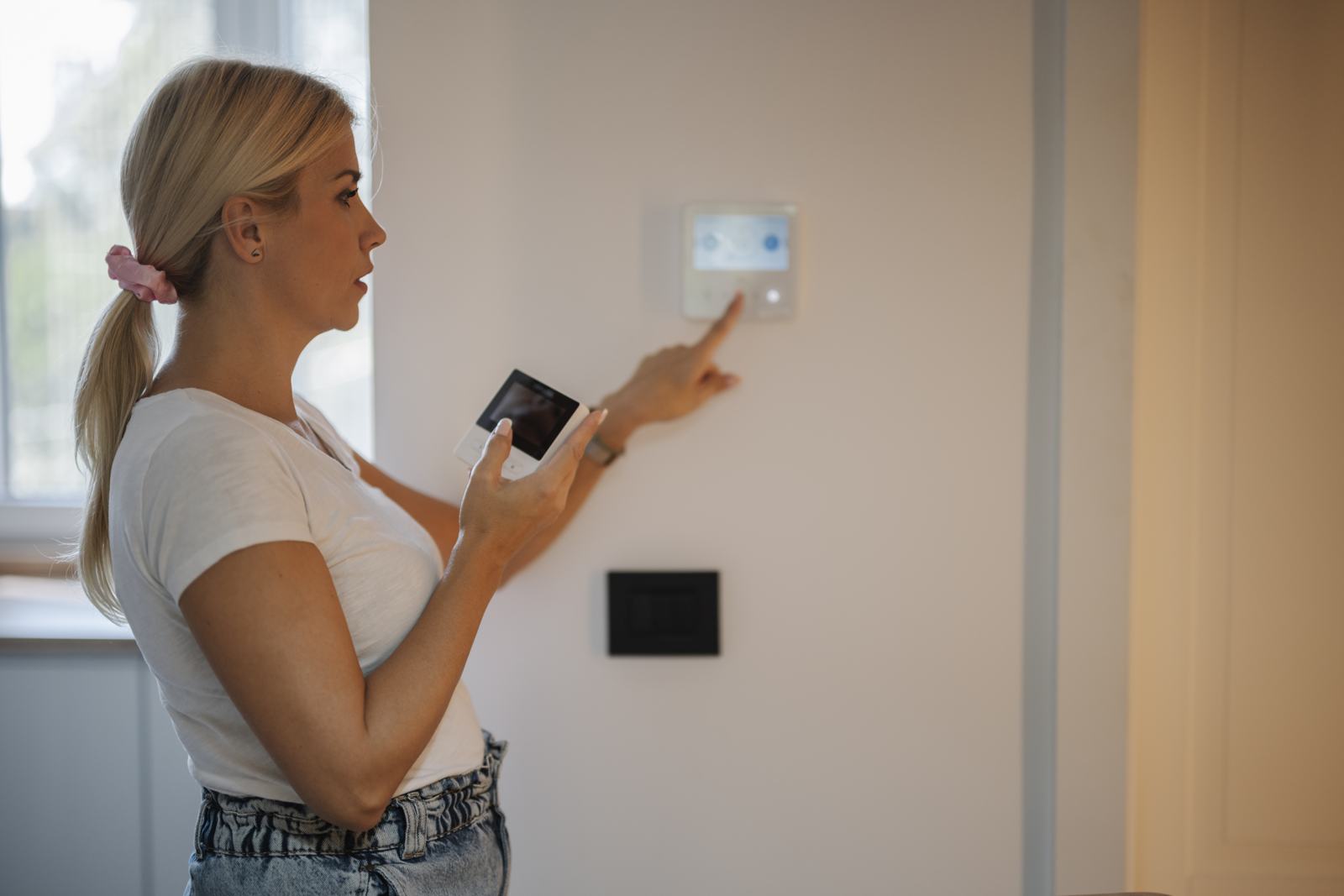
The photo shows someone at a wall control with a phone. It is a scene, not a measured install. Lists such as Top 10 Smart Thermostats stay in their original order. Voice control of a Nest thermostat is discussed historically in Can Alexa control a Nest thermostat?. Wiring and compatibility still come from the thermostat maker and, when you are unsure, from an HVAC technician.
Radios and Matter are in the protocols guide. Plugs are the wrong tool for baseboard heat. See the energy guide.
What you are actually controlling
| System you have | A smart thermostat might fit if | Stop and get help if | Why this is fussy |
|---|---|---|---|
| Forced air furnace with standard low-voltage wires | The wire set matches the thermostat's compatibility list, including a common wire if it requires one | You do not know the wire letters, or there is no C wire and the model is not designed for that | A missing common wire is a classic reason a Wi-Fi thermostat reboots or drifts |
| Heat pump | The thermostat has a heat-pump mode and you set the reversing valve the way the old control did | You guess the O/B setting | A wrong setting can heat when you asked for cooling, or the reverse |
| Boiler or radiator | The product explicitly lists that system | The listing is only "works with furnaces" | Dry contacts and zone valves are not the same as a furnace board |
| Line-voltage electric heat | A line-voltage thermostat made for that voltage and load | You try to use a 24-volt smart thermostat on line voltage | That is a dangerous mismatch. Do not do it |
| You rent | A model the landlord agrees to, or no change | You remove their thermostat and cannot restore it | Heat is a lease issue, not only a gadget issue |
| You want leak alerts | A sensor where water appears first: under a sink, by the water heater, near a washer | You expect the sensor alone to shut the water off | Shutoff needs a valve. A notification needs a person |
Air-quality monitors report what their sensors can sense, often particles, CO2, or volatile organics, depending on the model. They are not a medical device and they are not a carbon-monoxide alarm unless they are certified as one and installed as one. Keep a real CO alarm where combustion appliances and garages require it. Follow the alarm maker's placement, not a smart-display tile.
Humidifiers and dehumidifiers are appliances with their own controls. A smart plug on a dehumidifier can be reasonable if the plug is rated for it and the hose or the tank still has somewhere safe to put the water. A plug is not a float switch.
Compatibility and limits
- The common wire. Many Wi-Fi thermostats want a C wire for continuous power. Some vendors sell a power adapter. Some steal power in a way that can be hard on certain furnace boards. This is the point to read the compatibility checker the manufacturer publishes, or to stop. We are not looking at your furnace.
- Assistants. A thermostat in Apple Home, Google Home, or Alexa can usually set a mode and a setpoint if the integration exists. It may not expose every installer setting. Google's Gemini for Home opt-in, described in the Google Home guide, can change the voice layer on Nest speakers. It does not rewire a thermostat. Apple's HomeView announcement says the display can adjust a thermostat. HomeView is not available until November 13, 2026, and we have not used one. See the Apple Home guide.
- Matter. Thermostats are part of the Matter device story, and Matter 1.6's June 17, 2026 announcement talks about richer control context while warning that products lag the spec. On November 10, 2026, 1.6.1 documents were listed. Confirm the traits your controller shows — setpoint, mode, fan, humidity — on the model you buy. Do not assume energy reports or demand response.
- Sensors. A remote temperature sensor helps a thermostat that only had one point of measurement. It does not fix a system that is short on airflow. If rooms are uneven, a sensor might help the average. It might also make the thermostat satisfy the sensor and ignore the room with the return duct. Place sensors where people are, not in the sun.
- Leak sensors are contact or probe devices on Wi-Fi, Zigbee, or Thread. Range and a hub still apply. A shutoff valve is a motor on the main water line. Installing one can require a plumber and a way to bypass it if it fails closed while you are away, or fails open when you needed it shut. Know which failure you are buying. We did not cycle a valve.
- Air filters and outdoor air. A monitor does not change the filter. A schedule in an app does not replace a filter that is packed solid. Change filters on the equipment maker's interval, or sooner if airflow drops. We are not stating a universal day count.
Our older Ecobee article is about a specific generation that included Alexa in the thermostat. That is a product of its year. The photo on some of those posts is a marketing graphic. Do not treat it as this guide's evidence.
Setup, and what fails
For a thermostat, the safe version of setup is:
- Photograph the old thermostat's wiring before you disconnect anything. Label the wires.
- Confirm the system type and the compatibility list.
- Kill power at the furnace or the breaker the install guide names, not at a random breaker.
- If the wires do not match, stop and restore the old thermostat the same day so the house has heat or cooling tonight.
- Set a schedule you can explain. Aggressive setbacks on a heat pump can call expensive auxiliary heat. If you do not know whether your system has auxiliary heat, do not copy a "deep setback" from a blog.
- Set the thermostat's own screen so a person in the hall can change the temperature when the phone is dead.
- Connect voice last.
For a leak sensor:
- Put it where water travels, not where it looks tidy. Under the p-trap is more honest than on a dry shelf.
- Test it with a damp finger or the method the manual allows. Confirm the phone actually alerts.
- Decide the human response: who is home, where the main valve is, and whether a shutoff valve is installed.
- Replace batteries on a schedule. A dead leak sensor is silent.
Failures we are willing to describe because they follow from the wiring, not from a lab:
- No C wire, and the thermostat boot-loops.
- Heat pump O/B reversed.
- A thermostat installed on line-voltage heat. Do not improvise this.
- A leak alert that goes to a muted phone.
- A shutoff valve that closes and then cannot be opened because the only instructions were in an app you cannot reach. Keep a manual override and practice it.
What it costs to own
No prices and no savings percentages.
- A thermostat's value, if it has any, is a schedule you will really use and remote correction when you forget. The kilowatt-hours or the fuel saved depend on the building, the system, and the weather. Anyone who quotes you a universal percent is guessing. If you want a number later, compare utility bills with degree days or, better, have an auditor measure the house. This page is not that audit.
- Professional install is the right cost when the wires are unclear. It is cheaper than a damaged control board.
- Leak sensors are cheap relative to a flood and useless if nobody acts. A valve adds plumbing cost. Insurance may care about shutoff devices. Ask your insurer. Do not assume a discount we did not verify.
- Air-quality monitors can push you to run a fan or open a window. The energy cost of that fan is on your tariff. The health effect is not something this site can quantify.
- Filters, batteries, and calibration are the ownership cost after the box is open. A CO alarm has an expiry date printed on it. Obey that date. A smart sensor does not extend it.
Rebates for efficient HVAC exist in some utility areas and depend on the equipment, not on the app. Search your utility's current page with your account. We are not listing rebates.
Privacy, security, and a manual fallback
- A thermostat schedule is a soft signal of occupancy. Use a unique password and two-factor authentication. Do not name rooms in a way that maps your life for a stranger in the account.
- Remote temperature changes are convenient and also something a compromised account can do. Limits in the app, if the product has them, are worth setting so a bug cannot call for heat at the equipment's maximum while you are away.
- Leak shutoff is a safety device. The account that can open the valve should be a short list.
- Air-quality history is low sensitivity compared with a camera and still your data. You do not need a cloud account for a CO alarm that beeps locally. Prefer the certified local alarm for that job.
Manual fallback:
- Buttons on the thermostat that set heat and cool without Wi-Fi. Test them.
- The furnace switch or breaker, labeled, if you need to stop a system that is misbehaving.
- The main water valve, located and operable by someone who is not you, if you travel.
- A CO alarm and a smoke alarm that do not depend on Wi-Fi. Smart add-ons are optional. The independent alarm is not.
How to read the older articles
The thermostat posts, including the Ecobee-with-Alexa piece and the Nest voice pieces, explain products of their moment. Nest's app path has changed, and Google's voice assistant is in the middle of the Gemini for Home opt-in described in the Google guide. If an old sentence tells you to tap a menu that is gone, use the idea (link the account, pick the device, set a range) and follow the current app. Do not treat an old "top 10" as a compatibility checker for your furnace.
Frequently asked questions
Can any smart thermostat control any HVAC system?
No. Low-voltage forced air, heat pumps, boilers, and line-voltage electric heat are different. A compatibility list and the wires in your wall decide. If those are unclear, stop and bring in a technician. This guide will not guess your terminals.
Do I need a C wire?
Many Wi-Fi thermostats require one or require the vendor's adapter. Check the model. A missing C wire is a common cause of flaky behavior. It is not a software bug you can review away.
Will a leak sensor prevent water damage?
It can warn you. Prevention requires someone to shut the water, or a valve that does it and a way to open that valve again. Test the alert. Know where the main valve is.
Is an air-quality monitor a smoke or CO alarm?
Not unless it is certified and labeled as that alarm and installed the way that standard requires. Keep a proper CO alarm and smoke alarm. Use a monitor, if you want one, as extra information.
Can I save a fixed percent by installing a smart thermostat?
Nobody can honestly promise that without your system, your building, and your behavior. We did not measure a house for this page, so we are not printing a percentage. A schedule you follow can reduce runtime. A schedule the system fights with auxiliary heat can increase cost.
Does Matter replace an HVAC compatibility check?
No. Matter is a way controllers talk to a thermostat that supports it. It does not identify your wires. Matter 1.6.1 documents were listed on November 10, 2026. Your furnace does not read that page.
Sources
Checked November 10, 2026.
- Connectivity Standards Alliance, June 17, 2026, Matter 1.6, including the warning that product adoption is per company: announcement.
- Alliance downloads, November 10, 2026, listing Matter 1.6.1 as well as 1.6 and 1.5.1: downloads.
- Google, on Gemini for Home as an opt-in that does not by itself describe thermostat wiring: Gemini for Home help.
- Apple, October 13, 2026, HomeView described as able to adjust a thermostat, with availability beginning November 13, 2026: newsroom.
The thermostat manufacturer's compatibility checker and the wiring photo you take yourself are the sources that decide an install.
Articles already on this site
These pages were already on Smart Homes Reviews before this guide. They keep their original wording. Read them as a library of earlier articles, not as new tests or a current ranking.
Posts in this topic
- Can Alexa Control Nest Thermostat?
- Ecobee4 Alexa-Enabled Thermostat with Sensor Review
- Getting to Know Dyson Purifier
- How to Properly Warm and Cool Your Smart Home?
- List of the Best Air Purifiers Available in the Market
- Radiant Floor Heating Review: Is It Worthwhile in 2022?
- Smart Ways to Prevent Water Leaks
- Top 10 Smart Thermostats
- Top 5 Boiler Brands