People shop for "a hub" when they are really shopping for three different jobs: a radio that can hear low-power devices, an app that stores automations, and a path to the internet. Those jobs can sit in one box or in three. This guide separates them so a logo on a bulb means something you can check.
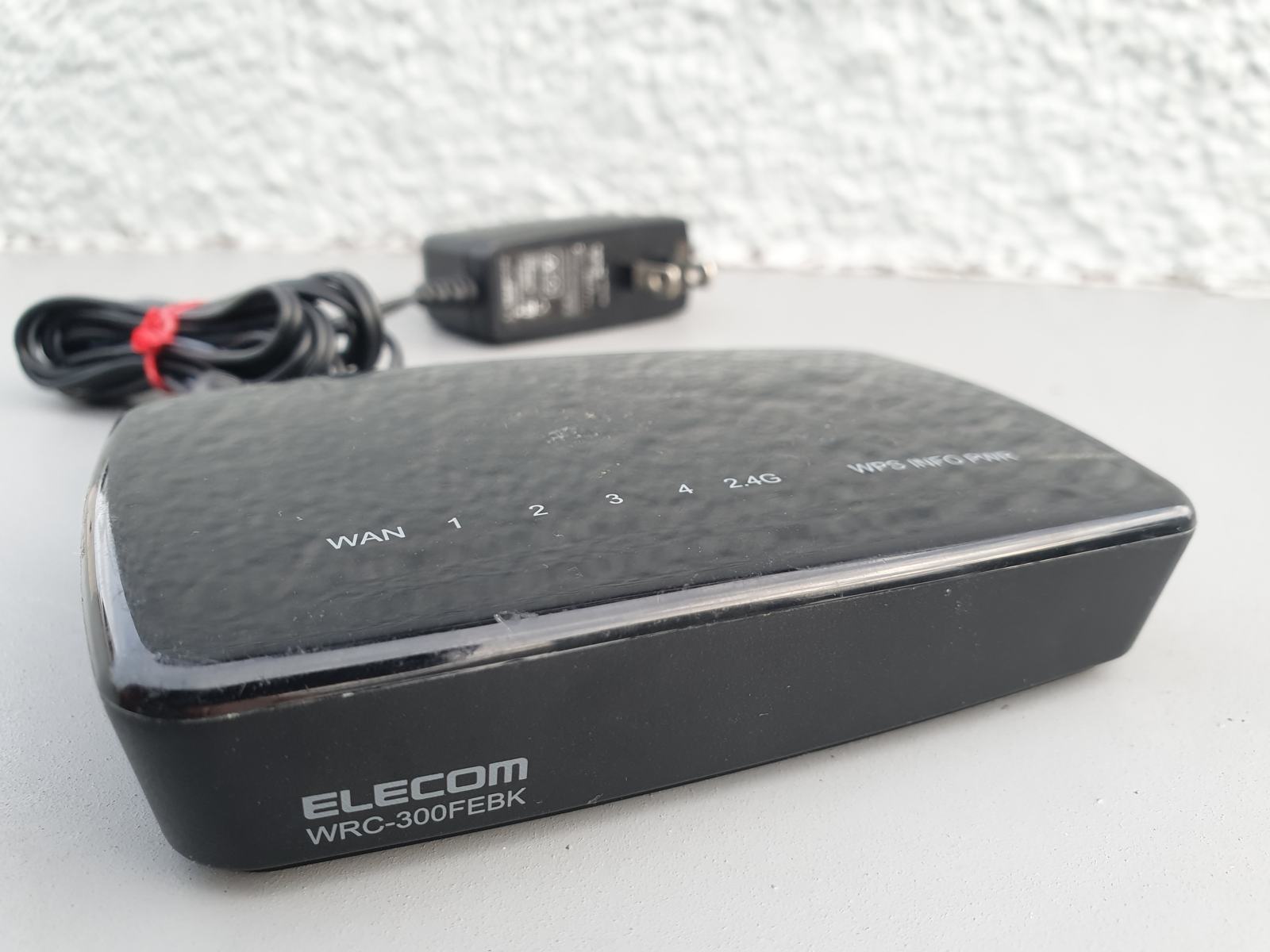
It is research, not a lab report. We did not certify a device or measure a mesh. Platform behavior lives in the Alexa, Google Home, and Apple Home guides. The starter guide is the buying sequence. The photo is a consumer Wi-Fi router. It illustrates the network, not a particular hub brand.
The five names that get mixed up
| Name | What it is | What it is not | You typically need |
|---|---|---|---|
| Wi-Fi | The home network from your router | A guarantee of local control | Coverage where the device sits, often 2.4 GHz |
| Ethernet | A cable to the router or a switch | Something a battery sensor can use | A jack and a powered device |
| Thread | A low-power IPv6 mesh | An app, a voice assistant, or a brand | A Thread border router so phones can reach the mesh |
| Zigbee | An older low-power mesh on 2.4 GHz | Interchangeable with Z-Wave or Thread | A Zigbee coordinator (a hub or a speaker that includes one) |
| Z-Wave | A low-power mesh on sub-GHz frequencies | Something that shares a Zigbee hub | A Z-Wave controller, and the right region frequency |
| Matter | A shared application layer over Wi-Fi, Thread, or Ethernet | A radio, and not a promise that every controller implements every device type | A Matter controller (an app or hub) and the right network underneath |
The Thread Group's border-router paper describes a border router as a device that routes IP packets between the Thread mesh and other IP networks such as Wi-Fi or Ethernet. It does not translate a private protocol. In practice the paper says a border router is what lets a phone or a speaker without a Thread radio talk to a Thread device. More than one border router can be in a house. A border router is not the automation editor.
The Thread Group's Matter article says Matter is the application standard and that product makers choose Thread, Wi-Fi, or Ethernet underneath. Treating "Matter/Thread" as one checkbox hides a device that is Matter-over-Wi-Fi and does not need Thread at all.
What the Matter version numbers meant on November 10, 2026
Checked against the Alliance, not against a retail sticker.
- The specification download page listed Matter 1.6.1 documents (Core, Application Clusters, Device Type Library, Standard Namespace), and also listed 1.6 and 1.5.1. Because 1.6.1 is on that page, it is inaccurate to call 1.5.1 the latest Matter version.
- On June 17, 2026 the Alliance announced Matter 1.6 as a feature release aimed at setup, at how ecosystems coordinate device management, and at context-driven control. The announcement says it does not add a wave of new device categories, and it says the path from the specification to products "will vary by company and product type."
- On March 31, 2026 the Alliance announced Matter 1.5.1 as a refinement of camera and doorbell support. The post says Matter 1.5 introduced cameras and video doorbells. 1.5.1 adds things the Alliance describes there: multi-stream video, HEIC snapshots, HLS and DASH recording upload, PTZ flexibility, and refinements for chimes and intercoms. Those are specification claims. They are not a statement that your doorbell app already exposes them.
- We are not describing unofficial write-ups of 1.6.1 feature details as if they were an Alliance press release. The download page shows the documents exist. The 1.6 press release is the Alliance text we are willing to summarize. If a 1.6.1 behavior matters to a purchase, read the specification or the controller's own release notes.
A useful rule: the version a device was certified against tells you what it was tested for. The version your controller implements tells you what you can do this week. Both can lag the PDF.
When you still need a hub
You need some extra box, or a speaker that quietly contains one, in these cases.
- The device is Zigbee or Z-Wave. Wi-Fi and Matter-over-Wi-Fi do not speak those meshes. A bridge that exposes Zigbee bulbs as Matter devices is a product with two sides. If the bridge dies, the bulbs do not become Wi-Fi bulbs.
- The device is Matter over Thread and nothing in the house is a Thread border router. The phone app cannot invent a radio.
- You want automations to run when the phones are gone, and the platform you chose uses a home hub for that. Apple's long-standing model is the example. Confirm the current requirement rather than buying from memory. See the Apple Home guide.
- You want one app to hold a Zigbee coordinator, a Z-Wave stick, and Matter together. That is a choice some controller software offers. It is a different purchase from a single-protocol speaker.
You often do not need an extra hub when every device is Wi-Fi or Matter-over-Wi-Fi and you accept that some features live in the maker's cloud. Write that acceptance down. "No hub" is not the same sentence as "works with the internet unplugged."
Local control is a property of a specific device and a specific controller. A Matter light can be controllable on the local network and a camera can still require an account for history. Ask per feature.
Setup, and what fails
- Draw the house as radios, not as brands. List what is Wi-Fi, what is Zigbee, what is Z-Wave, what is Thread, and what is only cloud.
- Fix Wi-Fi coverage before you add battery sensors. A sensor at the edge of the house will look "unreliable" when it is out of range. The router in the photo is a reminder that placement matters. We are not recommending that model.
- Pick one controller to be the place you edit automations. A second app is fine as a remote. Two editors for the same routine is how duplicates happen.
- Add one device. If it is Matter, keep the manual and the pairing code. If pairing fails, move closer, leave the VPN off, and avoid starting a second controller's pairing at the same time.
- For Thread, confirm a border router is online before you blame the sensor.
- For Zigbee, pair near the coordinator and then move the device. Mesh devices need neighbors. One lonely sensor in a garage may need a repeater, which is often a mains-powered device, not another battery sensor.
Failures that look like "Matter is broken" and usually are not:
- The controller app is a version behind the feature you read about in a June 2026 announcement.
- The device is Matter-over-Thread and there is no border router.
- The device is a cloud camera with a Matter badge for a different function, and you expected a local stream the app does not offer.
- Two border routers or two Wi-Fi bands, and the phone is on the wrong one during commissioning.
- A bridge was unplugged. The app still shows the old devices as Matter devices until they time out.
Resetting a coordinator because one bulb failed will unpair the bulbs that were fine. Identify the coordinator before you factory-reset anything.
What it costs to own
We are not pricing hubs. The cost questions are structural.
- A proprietary hub makes the matching sensors cheaper and the exit harder. You own a pile of devices that need that coordinator.
- A bridge adds a wall wart and a failure point. Count it.
- Matter's value shows up when you change controllers, for the features both sides implement. It does not refund a cloud subscription.
- Thread border routers are often inside something you already wanted (a speaker, a router, a TV). Do not buy a second one until you know the first is absent or out of range.
- Standby power of hubs and bridges is measurable. Use a plug meter for a day if you want a number. Do not copy a percentage from an article that did not meter your hardware. The energy guide is the method.
- Certification and logos do not include installation. A neutral wire, a door drilling, or a new Wi-Fi point can cost more than the device.
Privacy, security, and a manual fallback
A protocol is not a privacy policy.
- Matter's commissioning is a local pairing with codes. The account behind the controller is still an account. Turn on two-factor authentication there.
- A cloud skill can sit beside a Matter device for the same brand. Removing the device from the local fabric does not always delete the cloud account. Do both when you sell the hardware.
- Bridges and hubs that you can reach from the internet need updates. A hub you cannot update is a reason to replace the hub, not to add more devices behind it.
- Cameras, even when a future Matter version describes streams, are still cameras. Point them at your property. The camera guide covers placement.
- Locks and garages should not depend on one radio with no physical override. See the locks guide.
Manual fallback is a switch, a key, and a thermostat you can turn. The mesh can be down. The house should not be.
Remote access is the feature that needs the internet. Local on/off is the feature you should prove with the WAN unplugged, once, for any device you call essential. If the test fails, the device is cloud-controlled. That can be acceptable. It should not be a surprise.
How to read the older articles
This silo has a long library, including What is the role of Matter in smart homes? and the hub article whose file name on the server is the older "tubs" slug, Perfect Smart Home Hubs. Those pieces explain the idea of a hub in the language of their year. They do not know Matter 1.6 or 1.6.1. Where they conflict with the Alliance posts linked below, use the Alliance posts and the date.
Zigbee how-tos aimed at a specific Echo generation are historical procedures. Confirm the radio in the speaker you own.
Frequently asked questions
Is Matter 1.5.1 the latest version?
No. On November 10, 2026 the Alliance download page listed Matter 1.6.1 documents, and the Alliance had announced Matter 1.6 on June 17, 2026. 1.5.1 remains a real release about cameras and related devices. It is not the top of that list.
Does a Matter logo mean I do not need a hub?
Only if the device uses Wi-Fi or Ethernet and your controller is already something you have, such as a phone app. Matter-over-Thread needs a Thread border router. Zigbee and Z-Wave still need their own coordinators even if a bridge then exposes them to a Matter app.
Is Thread the same as Wi-Fi?
No. Thread is a separate low-power mesh that uses IP. A border router joins it to your Wi-Fi or Ethernet network. Wi-Fi gadgets talk to the router directly and do not become Thread devices because a speaker nearby has a border router.
Will Alexa, Google, Apple, and SmartThings all get Matter 1.6.1 features at once?
The Alliance says companies implement features on their own timelines. Do not buy a device for a 1.6 or 1.6.1 behavior until the controller's own notes say that behavior is supported for that device type.
Can I run the house if the internet is off?
Some local controls, yes, if you have tested them. Remote access, cloud video, and voice assistants that depend on a cloud, no. Unplug the WAN once and write down what still responds.
Should I replace a working Zigbee hub just to be "on Matter"?
Not for its own sake. Replace it when you cannot get parts, cannot get updates, or you are ready to move those devices. A bridge may be a smaller step. A forced migration of a working heating or lock system is a poor weekend project.
Sources
Checked November 10, 2026.
- Connectivity Standards Alliance, specification downloads, listing Matter 1.6.1, 1.6, and 1.5.1: csa-iot.org downloads.
- Alliance, June 17, 2026, Matter 1.6: newsroom.
- Alliance, March 31, 2026, Matter 1.5.1 cameras, doorbells, chimes, and intercoms: newsroom.
- Thread Group border-router white paper: PDF.
- Thread Group, "Thread with Matter": blog.
Articles already on this site
These pages were already on Smart Homes Reviews before this guide. They keep their original wording. Read them as a library of earlier articles, not as new tests or a current ranking.
Posts in this topic
- Are Smart Speakers Really Safe?
- Cable vs. Fiber Optic: Which is the Best For You?
- Can You Use Google Drive as Back Up for Your Home Assistant Data?
- Cloud Storage And Its Importance to Smart Homes
- Does Your Smart Home Need an Exclusive Email Address?
- Getting to Know eero Pro 6 Whole-Home Wi-Fi
- Guide on How to Connect Zigbee Gadgets to Amazon Echo
- How Does IoT Work With Smart Home Devices?
- Is Your Privacy Remain Protected Inside Your Smart Home?
- Perfect Smart Home Hubs For Controlling Your Device
- How To Better Secure Your Smart Home
- Simple Ways to Enhance the Security of Your Smart Home
- The Effects of Insteon Shutdown
- The Importance of Having a Secure Guest Wi-Fi
- The Importance of Reliable Wi-Fi Network to Your Smart Home
- The Role of Wi-Fi Mesh in Your Smart Home
- Things to Know About Samsung SmartThings
- Things You Should Know About IFTTT
- Ways to Aesthetically Arrange Your Ethernet Cables at Home
- Ways to Strengthen the Security of Your Home Office
- What is the Role of Matter in Smart Homes?
- What to Do When Bluetooth Can’t Pair With Devices
- Why Did Some Smart Home Companies Disable Their Cloud Services?
- Why Do You Need to Upgrade Your Smart Home Network?
- Wink Relay Review
- Wink Relay Smart Home Touchscreen Control Panel Intercom Review
Category archives
- Smart Appliances
- Smart Home Theater
- Smart Home Starter Kits
- Smart Office
- Smart Outlets & Switches
- Smart Security Cameras