Kitchens already have more plugs, more heat, and more cleanup than any other room. Adding accounts to those appliances can help a schedule and can also add a failure that a knob never had. This guide is a filter. The older lists, including Top 10 Smart Kitchen Products and The Best Smart Home Appliances for Your Kitchen, stay in their original wording and are not a 2026 ranking.
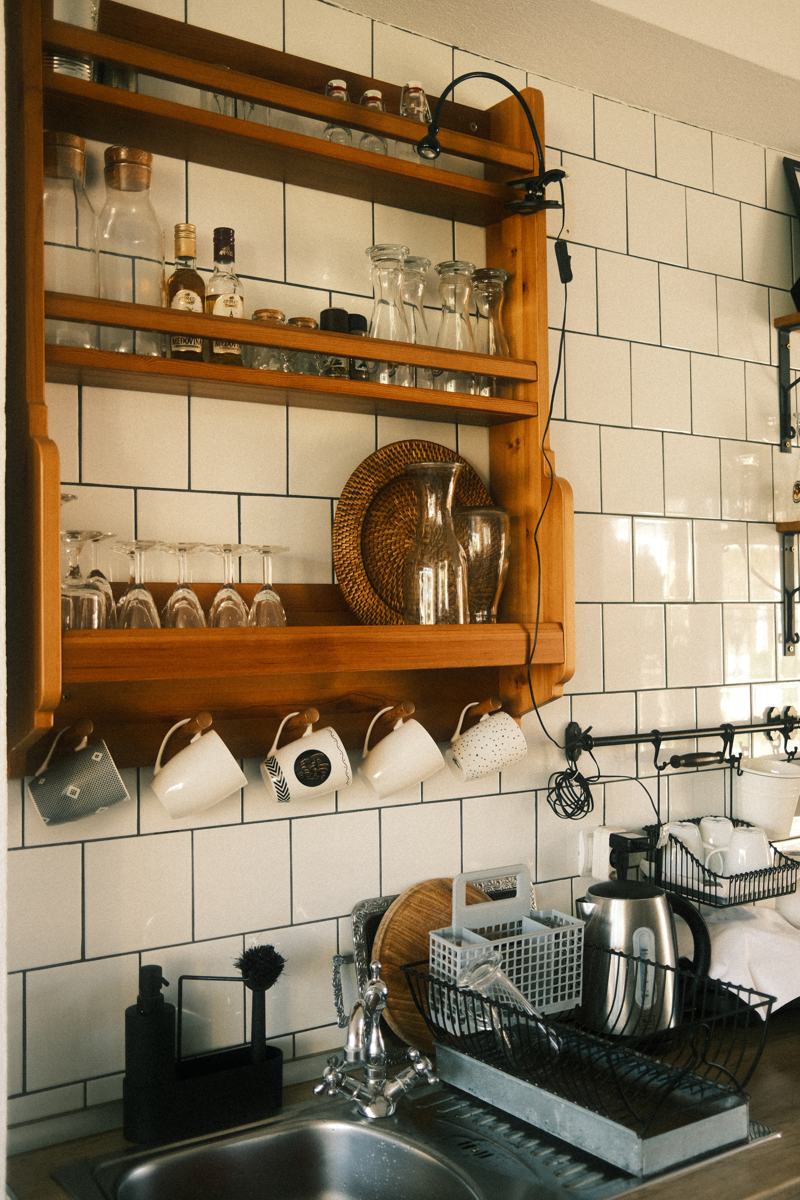
Small plug-in gadgets overlap the plugs and energy guide. Robot cleanup overlaps the vacuum guide. Food storage is not medical advice, and a fridge camera is not a diet plan. The photo is a kitchen interior, not a product.
Which appliances earn a connection
| Appliance | A connection can be worth it when | Leave it ordinary when | The failure that matters |
|---|---|---|---|
| Dishwasher or washer | You already want a delayed start to match a noisy hour or a time-of-use rate you have confirmed on your bill | You just want a button in an app for a cycle you start while standing there | A delayed cycle that starts when you are asleep and the hose fails. Be home for the first few delayed runs |
| Oven or range | You want a preheat alert and you will still use the knobs | The app is the only way to turn a burner off | Unattended heat. The knob must work |
| Fridge | A door-left-open alert you will hear | A camera you will not look at, or a screen that duplicates your phone | Spoiled food is a temperature problem. Confirm the temperatures with a thermometer you trust, not only with an icon |
| Coffee maker | You are in the kitchen when it runs, and the plug or the maker is rated for it | A schedule that brews in an empty house onto a warmed hot plate | A dry burner or a overflow. See the plugs guide before you add a third-party plug |
| Small gadgets and scales | The data stays where you want it | The gadget requires an account for a job a timer does | Account shutdown bricking a scale |
| Voice "cooking assistant" | You want timers and unit conversions read aloud | You expect it to know your oven's actual temperature | Voice can start the wrong timer. Look at the oven |
A mixer, a kettle, or a toaster does not become more reliable because an app exists. Our KitchenAid mixer article is about using a mixer, which is a mechanical tool. Read it that way. Do not infer a smart-mixer recommendation we did not write.
Compatibility and limits
- The vendor cloud. Most connected appliances use the maker's app. If that service changes, you should still be able to wash dishes. Prefer appliances that work fully from the panel. Treat the app as extra. Ask the salesperson, then verify in the manual, what works with the Wi-Fi off. We cannot certify a brand's offline mode from a logo.
- Wi-Fi in the kitchen. Microwaves, brick, and a router in a distant room make kitchens a common dead zone. If the phone drops Wi-Fi at the fridge, the fridge will too. Fix the network before you pay extra for a connected model. The protocols guide covers radios. A fridge does not need Thread to be useful.
- Matter and assistants. Some appliances may expose a subset of controls to Alexa, Google, or Apple, either through a skill or through Matter. On November 10, 2026 the Alliance listed Matter 1.6.1 documents. Matter 1.6, announced June 17, 2026, tells companies to expect their own timelines. A Matter logo on a dishwasher does not mean every cycle and every option appears in your phone's home app. Confirm the three controls you care about.
- Voice assistants in the kitchen. A speaker on the counter gets wet and gets flour on it. That is a placement problem. Gemini for Home and Alexa+ change the assistant, not the appliance. Read the Google and Alexa guides before you opt a household in for the sake of a recipe feature. Apple's HomeView announcement describes a kitchen recipe view on a display that is not available until November 13, 2026. See the Apple guide. We have not used that display.
- Energy. A delayed dishwasher helps only on a tariff that is cheaper later, and only if you do not need the dishes sooner. Read your bill. We will not quote a rate. Ovens dominate a kitchen's demand while they are on. A schedule does not change the physics of heating food. It changes when you do it.
- Food safety. A fridge notification is not a thermometer in the milk. If a fridge warms, use a thermometer and your local food-safety guidance. This site does not give medical or food-safety clearance. When in doubt, throw food out. That sentence is caution, not a measured temperature threshold from us.
Setup, and what fails
- Put the appliance where the hose, the vent, and the door swing already work. Connectivity does not fix a kinked drain.
- Connect Wi-Fi with the phone next to the appliance. If it fails, move a mesh node. Do not spend the evening in the appliance's app while the network is the problem.
- Update firmware before the first real load of dishes or the first meal. Read what the update changes if the notes are there.
- Run one ordinary cycle while watching it, with the app disconnected if you can, to prove the panel works.
- Then enable one connected feature, such as a done notification. Use it for a week before you add a second.
- Write down the offline steps from the manual and leave them in a drawer. The next person in the house will need them.
- For any plug-in cooker, read the load rating. Do not daisy-chain power strips behind a kettle.
Failures:
- The appliance is online and the cycle will not start because a child lock or a door switch is open. Read the panel, not only the push notification.
- A firmware update bricked the Wi-Fi board and the panel still works. That is an annoying success. If the panel does not work either, use the warranty and stop using a heat appliance you cannot control.
- A fridge camera that lags. Do not use a stale picture to decide whether food is safe.
- Notifications for every beep, which you then mute, including the door alarm you wanted. Turn on one class of alert.
- Account regions and second-hand appliances still tied to the first owner. Reset before you rely on it. If a used oven cannot be removed from a stranger's account, do not buy it.
What it costs to own
No prices.
- Connected models often cost more at purchase and may cost more when a board fails out of warranty. A knob does not have an account server.
- Optional subscriptions show up on some fridge cameras, some coffee-pod replenishment schemes, and some energy dashboards. Replenishment is a purchase, not a feature. Decline it if you did not mean to start a recurring order.
- Electricity and water for a cycle are on your bills. A "eco" cycle that you rerun because the dishes were not clean used two cycles. Judge the cycle you actually need.
- Repair: an appliance that is also a computer can mean a more expensive board. Ask what fails and what the offline mode is before you pay the premium. We do not have a failure-rate table and we will not invent one.
- Returns on built-in appliances are expensive. Decide using the manual's feature list, not a showroom demo that was already logged into a demo account.
Privacy, security, and a manual fallback
- A fridge camera is a camera inside your house. Point it at food, know who has the account, and turn it off if you do not want it. Two-factor authentication on that account.
- Voice speakers in kitchens hear conversations. Mute them when people are over if the household wants that.
- Do not name an appliance with a detail you would not want in a data export.
- Shopping integrations that reorder pods or detergent can spend money. Leave them off until you have seen a confirmation step you are willing to live with.
Manual fallback:
- Every heat appliance must be controllable from a knob or a panel with the router unplugged. Test that once.
- Know how to shut off the water to the dishwasher and the ice maker.
- Keep a cheap probe thermometer if you care about fridge temperature. The icon can be wrong or stale.
- If an update is installing, do not run a self-clean cycle or leave the house with the oven on.
How to read the older articles
Kitchen posts on this site range from mixer technique to lists of gadgets. Some are closer to lifestyle writing than to a spec sheet. Use them to browse device types. Ignore superlatives as current claims. Where a post links to a retailer, that link is an affiliate path from the original article, which we did not retarget for this guide. It is not a fresh product evaluation.
Frequently asked questions
Should a refrigerator be on Wi-Fi?
Only if you will use a specific feature, usually a door alarm, a temperature alert, or a camera you have a reason to check. The cooling system should work without Wi-Fi. Confirm that in the manual. A camera is not a food-safety instrument.
Can I start the oven from my phone?
Some ovens allow it, often with a confirmation because remote heat is dangerous. If you enable it, you still need the knob and the door to work when you are standing there. Do not remote-start an oven and leave the building.
Will Matter run my appliances?
Only for the functions a specific model and your controller both support. The Alliance listed Matter 1.6.1 documents on November 10, 2026, and said with the 1.6 release that companies ship on their own timelines. Check the three buttons you need. Assume nothing else.
Is a smart plug a good way to make a kettle or a heater "smart"?
Not for unattended heat. Read the plug's rating and the plugs guide. A lamp is the usual plug workload. A kettle in an empty house is a bad schedule.
Do connected appliances save energy by themselves?
Not automatically. A delayed cycle saves money only on a tariff that is cheaper at that hour, which you must read off your bill. An eco cycle you have to repeat may not save anything. We are not publishing a percentage.
Are the older kitchen top-10 lists still a buying order?
No. They remain on the site as they were published. This guide does not retest them and does not convert their order into a 2026 ranking.
Sources
Checked November 10, 2026.
- Connectivity Standards Alliance, June 17, 2026, Matter 1.6 and per-company product timelines: announcement.
- Alliance specification downloads, November 10, 2026, listing Matter 1.6.1 above 1.5.1: downloads.
- Your appliance manual's section on operation with Wi-Fi disabled, and your utility tariff, are the two local sources this page cannot supply.
Articles already on this site
These pages were already on Smart Homes Reviews before this guide. They keep their original wording. Read them as a library of earlier articles, not as new tests or a current ranking.
Posts in this topic
- 10 Best Electric Pressure Cooker Reviews
- Choosing the Best Smart Refrigerators
- Getting to Know Panasonic High-Speed Toaster Oven
- How Does A Pressure Cooker Work?
- Instant Pot Pressure Cooker Review
- Benefits of Owning a Kitchen Aid Mixer
- How to Use a Kitchen Aid Mixer?
- List of the Best Smart Kettles
- List of the Best Smart Refrigerators
- Need Appliances For Your Smart Home? Try Gorenje!
- Nespresso Expert Espresso Machine by De’Longhi Review
- The Best Smart Home Appliances For Your Kitchen
- Top 10 Smart Appliances
- Top 10 Smart Kitchen Products
- Xiaomi Intelligent Electric Kettle Review